


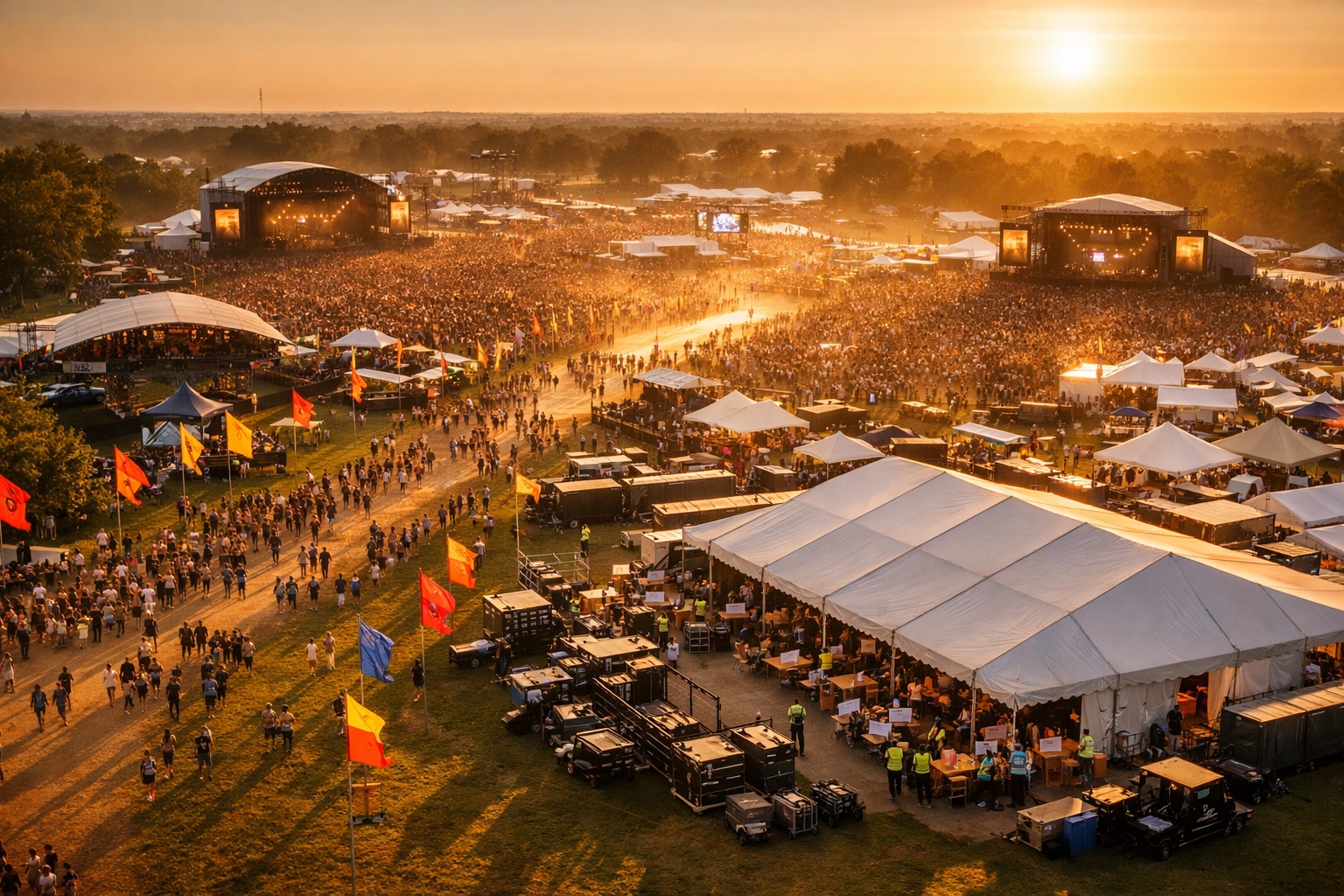
You have sold 6,000 tickets across two days. Day 1 passes, Day 2 passes, Combo passes. Three credential tiers. Two dozen vendors. Staff rotations that change overnight.
Now imagine someone shows up at the Day 2 gate holding a Day 1 pass. Your scanner operator squints at the screen. The line backs up. The crowd gets restless. And your festival reputation takes a hit before the first act even starts.
Multi-day festival management is a different animal than running a single-day event. The logistics compound. The failure points multiply. And the margin for operational error shrinks to almost nothing.
This is the playbook for getting it right.
Why Multi-Day Events Break Single-Day Playbooks
Single-day events have a clean lifecycle: doors open, people scan in, the event runs, everyone leaves. You get one shot at the check-in flow, one set of credentials to manage, one attendance count that matters.
Multi-day festivals shatter that simplicity.
Here is what changes:
Pass complexity explodes. You are no longer selling one ticket type. You are selling Day 1, Day 2, and Combo passes at minimum. Add VIP tiers, early-bird pricing, and group packages, and you could be managing a dozen SKUs that all need to work correctly at the gate.
Re-entry becomes a design problem. Do Combo pass holders get unlimited re-entry each day? What about Day 1 holders who leave for lunch? You need scanning logic that distinguishes between "already scanned today" and "not valid today."
Credentials multiply. Artists, media, vendors, VIPs, general admission, staff. Each credential type has different access levels, different valid days, and different entry points. A media badge valid for Day 1 sound check should not grant access to the Day 2 VIP lounge.
Staff scheduling gets layered. Your Day 1 scanning team may not be the same as Day 2. Shift handoffs, briefing new volunteers, and maintaining consistency across days requires more than a spreadsheet.
Data needs to be real-time and per-day. Knowing that 4,200 people attended your festival is not enough. You need to know that 2,800 came on Day 1 and 3,100 came on Day 2 (with 1,700 Combo holders showing up both days). That granularity drives every decision from food vendor orders to security staffing.
If you are still running day-of operations with single-day tools, multi-day festivals will expose every gap.
The Day-by-Day Operational Framework
Multi-day festival management demands a phased approach. Each phase has distinct objectives and failure modes.
Phase 1: Day Before (Setup and Stress Testing)
This is your last chance to catch problems before they become public.
Scanning infrastructure validation. Test every device against every pass type. Scan a Day 1 pass, a Day 2 pass, a Combo pass, a VIP credential, and a vendor badge. Confirm that each one returns the correct validation response. If your system cannot distinguish between pass types at the scanner level, you will have gate chaos on Day 1.
Credential distribution. Artist wristbands, media lanyards, vendor badges, and staff credentials should all be pre-staged and sorted. Create a credential pickup station with a printed manifest. Do not rely on memory.
Box Office setup. Your Box Office needs to handle more than walk-up sales. It needs to process upgrades: a Day 1 holder deciding to add Day 2, a GA ticket upgrading to VIP. If your ticketing platform cannot do this on-site, you will lose revenue and create long lines.
Staff briefing. Walk every team member through the scanning logic. "Green means valid for today. Red means invalid or wrong day. Yellow means the pass has already been scanned today." Make it simple enough that a first-time volunteer can execute it under pressure.
Vendor coordination. Confirm load-in schedules, power drops, waste management plans, and vendor credential assignments. Every vendor needs to know their setup window, their operating hours per day, and their breakdown schedule.
Phase 2: Day 1 (Controlled Intensity)
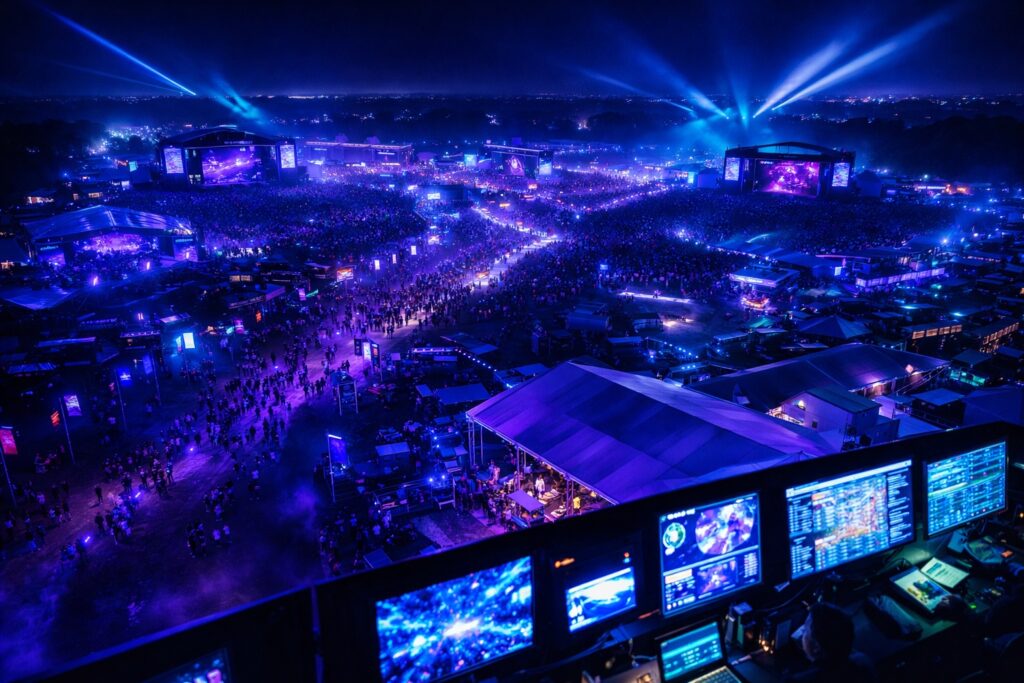
Day 1 sets the operational tone for the entire festival.
Gate management priority: speed and accuracy. The first 60 minutes of Day 1 define attendee perception. If scanning is slow or produces confusing errors, word spreads fast. Per-day validation at the scanner is non-negotiable. A Day 2 pass scanned on Day 1 should return a clear "Not valid today" message, not a generic error.
Combo pass first scan. When a Combo pass holder scans in on Day 1, the system should register that scan and still allow entry on Day 2. This sounds obvious, but plenty of platforms treat the first scan as a one-time validation, effectively locking Combo holders out of Day 2.
Real-time attendance tracking. You need a live dashboard showing check-ins by pass type. How many Day 1 passes have scanned in? How many Combos? What is your no-show rate? This data feeds directly into food service, security staffing, and emergency capacity decisions.
Re-entry protocol. Decide and communicate your re-entry policy before gates open. If you allow re-entry, your scanners need a "re-entry mode" that validates without flagging duplicate scans. If you do not allow re-entry, make sure that policy is printed on the pass and posted at every exit.
Walk-up sales and upgrades. Some attendees will show up wanting to buy tickets at the door. Others will want to upgrade from Day 1 to a Combo pass after experiencing the festival. Your Box Office needs to handle both scenarios in under two minutes per transaction.
Phase 3: Between Days (The Overlooked Window)
The hours between Day 1 close and Day 2 open are where most festivals lose operational control.
Data review. Pull Day 1 attendance numbers by pass type. Compare actual check-ins to tickets sold. Identify no-show patterns. If Day 1 GA sold 2,000 but only 1,400 scanned in, you may have capacity for additional Day 2 walk-up sales.
Staff rotation briefing. If your Day 2 team includes new staff, brief them using Day 1 data. "Here is what we learned: Gate B had a bottleneck, the VIP scanner needs a firmware restart every two hours, and vendor credentials caused three false rejections that we have now fixed."
Vendor reset. Confirm vendor restocking, waste removal, and any changes to Day 2 vendor lineups. If a food vendor ran out of inventory on Day 1, they need to know projected Day 2 attendance to order appropriately.
Pass management adjustments. If you identified scanning issues on Day 1, this is when you fix them. Update validation rules, push corrections to devices, and test again before Day 2 gates open.
Phase 4: Day 2 (Refined Execution)
Day 2 should be tighter than Day 1. You have real data now. Use it.
Adjusted gate allocation. If Day 1 showed that 70% of traffic came through Gate A, add scanners there for Day 2. Move staff from underused gates.
Combo pass re-entry validation. Combo holders scanning in on Day 2 should clear instantly. The system already knows they are valid for both days. Any friction here is a platform failure.
Final upgrade window. Day 2 is your last chance to capture upgrade revenue. Promote Combo-to-VIP upgrades, merchandise bundles, or add-on experiences through your Box Office.
End-of-festival data capture. As the final attendees leave, your system should already be compiling cross-day analytics: total unique attendees, per-day breakdowns, pass type distribution, peak entry times, and revenue per ticket category.
Phase 5: Post-Festival (Analysis and Leverage)
The festival is over, but the data is just getting useful.
Cross-day attendance analysis. How many Combo holders actually attended both days? If 40% of Combo buyers only showed up for one day, that tells you something about pricing or programming.
Revenue reconciliation. Multi-day festivals often involve revenue splits between multiple parties — promoters, venue owners, artists, and sponsors. Clean per-day revenue data makes reconciliation straightforward instead of contentious.
Audience data extraction. Every scanned pass is a data point. Understanding who attended which day, what they upgraded to, and how they discovered the event gives you the foundation for next year's marketing.
Referral and affiliate performance. If you ran an affiliate or referral program to sell tickets, post-festival is when you evaluate which affiliates drove the most revenue and which pass types they sold best.
The Pass Management Problem (and How to Solve It)
The single biggest operational headache in multi-day festival management is pass validation. Specifically: making sure the right person gets through the right gate on the right day.

Here is what goes wrong with most platforms:
Generic QR codes. The QR code does not encode which day the pass is valid for. It just says "valid ticket." The scanner has no way to reject a Day 1 holder on Day 2 without manual intervention.
No wallet integration. Attendees lose paper tickets. They forget to screenshot their confirmation email. When they show up at the gate with nothing but their phone and a "I swear I bought a ticket" story, your line stops moving.
No visual differentiation. A Day 1 pass looks identical to a Day 2 pass on screen. Gate staff cannot do a quick visual check before scanning.
TicketBlox solves this with Apple Wallet and Google Wallet passes that display the correct day, time, and credential type directly on the lock screen. A Day 1 GA pass looks different from a Day 2 VIP pass at a glance. The QR code encodes per-day validation logic, so scanners return instant, unambiguous results: valid for today, not valid for today, already scanned today, or upgrade required.
Combo passes update dynamically. After Day 1 scanning, the wallet pass can reflect Day 2 information, so the attendee always sees the next relevant entry time and gate assignment.
Box Office operators can process upgrades on-site — Day 1 to Combo, GA to VIP, single to group — and the new pass pushes to the attendee's wallet within seconds. No reprinting. No confusion at the gate.
Real-World Proof: TMR Events One Love Festival
Theory is useful. Execution is what matters.
TMR Events ran their One Love Festival with over 6,000 tickets across two days. They sold Day 1 passes, Day 2 passes, and Combo passes — all managed through TicketBlox.
Here is what that looked like operationally:
- Per-day scanning validation ensured that Day 1 pass holders could not enter on Day 2 and vice versa. Combo holders scanned cleanly on both days with zero gate friction.
- Real-time dashboards showed TMR Events exactly how many attendees had checked in by pass type, updated every few seconds. They used this data to adjust security staffing and food vendor prep between days.
- Box Office upgrades captured additional revenue when Day 1 attendees decided they wanted to come back for Day 2. Upgrading from a Day 1 pass to a Combo pass took under a minute, with the new pass delivered to the attendee's phone wallet immediately.
- 6,000 tickets across two days with three pass types, multiple credential tiers, and zero major gate incidents. That is what proper multi-day festival management looks like in practice.
The festival did not succeed because the technology was flashy. It succeeded because the operational logic — per-day validation, real-time data, on-site flexibility — was built into the platform from the start.
Multi-Day Festival Logistics Checklist
Use this table as your operational reference. Print it. Share it with your team leads.
| Phase | Task | Owner | Status |
|---|---|---|---|
| Day Before | Test all scanners against every pass type | Tech Lead | |
| Day Before | Stage and sort all credentials by type | Credential Manager | |
| Day Before | Configure Box Office for upgrades and walk-ups | Box Office Lead | |
| Day Before | Brief all staff on scanning logic and escalation paths | Operations Director | |
| Day Before | Confirm vendor load-in schedule and credential pickup | Vendor Coordinator | |
| Day Before | Verify real-time dashboard access for all decision-makers | Tech Lead | |
| Day 1 | Monitor gate throughput for first 60 minutes | Gate Manager | |
| Day 1 | Track per-day attendance by pass type in real time | Operations Director | |
| Day 1 | Process walk-up sales and upgrades through Box Office | Box Office Lead | |
| Day 1 | Document any scanning issues for between-day fixes | Tech Lead | |
| Day 1 | Enforce re-entry policy at all exits | Security Lead | |
| Between Days | Review Day 1 attendance data and no-show rates | Operations Director | |
| Between Days | Brief Day 2 staff on Day 1 lessons learned | Operations Director | |
| Between Days | Coordinate vendor restocking based on Day 2 projections | Vendor Coordinator | |
| Between Days | Fix any scanning or credential issues identified on Day 1 | Tech Lead | |
| Day 2 | Reallocate gate staff based on Day 1 traffic patterns | Gate Manager | |
| Day 2 | Validate Combo pass re-entry with zero friction | Tech Lead | |
| Day 2 | Promote final upgrade opportunities through Box Office | Box Office Lead | |
| Day 2 | Begin compiling cross-day analytics | Operations Director | |
| Post-Festival | Generate per-day attendance and revenue reports | Operations Director | |
| Post-Festival | Reconcile revenue splits across all parties | Finance Lead | |
| Post-Festival | Extract audience data for post-event marketing | Marketing Lead | |
| Post-Festival | Evaluate affiliate and referral program performance | Marketing Lead | |
| Post-Festival | Document operational playbook updates for next event | Operations Director |
Frequently Asked Questions
How do you prevent wrong-day entry at a multi-day festival?
Per-day scanning validation is the only reliable method. Each pass must encode which day or days it is valid for, and the scanner must return a clear accept or reject based on the current date. Visual differentiation on the pass itself (different colors, different header text) gives gate staff a secondary check before scanning. Generic QR codes that do not encode day-level data will always create wrong-day entry problems.
What is the best way to handle Combo pass holders across multiple days?
The scanning system needs to track Combo passes as multi-use credentials. Day 1 scanning should register the first entry without consuming the pass. Day 2 scanning should validate the same pass again without friction. Wallet-based passes that update dynamically after each day's scan give attendees clear visibility into their remaining access.
How should festival organizers manage on-site ticket upgrades?
A dedicated Box Office system that can process upgrades in real time is essential. The most common upgrade path is single-day to Combo pass, followed by GA to VIP. The upgraded pass should push to the attendee's phone wallet within seconds so they can use it immediately at the gate. Any system that requires reprinting physical tickets for upgrades will create bottlenecks.
What data should you track between days at a multi-day festival?
Focus on four metrics: check-ins by pass type (to understand which tiers are actually attending), no-show rate (to gauge available capacity for walk-up sales), peak entry times (to optimize Day 2 gate staffing), and scanning error rate (to identify and fix credential issues before the next day). Real-time dashboards that display this data automatically save hours of manual reporting.
How do you coordinate vendors and exhibitors across multiple festival days?
Each vendor needs a credential that specifies their valid days and access windows. Load-in, operating, and breakdown schedules should be distributed at least 48 hours before the festival. Between days, share actual attendance data with vendors so they can adjust inventory and staffing. A vendor coordinator role dedicated to multi-day logistics is not optional for festivals above 2,000 attendees.
Multi-day festival management is not about having more staff or bigger budgets. It is about having operational systems that match the complexity of the event. Per-day validation, real-time data, on-site flexibility, and clean post-event analytics are the difference between a festival that runs smoothly and one that just survives.
If you are planning a multi-day event and want to see how per-day scanning, wallet passes, and real-time dashboards work in practice, book a demo and we will walk you through it.