


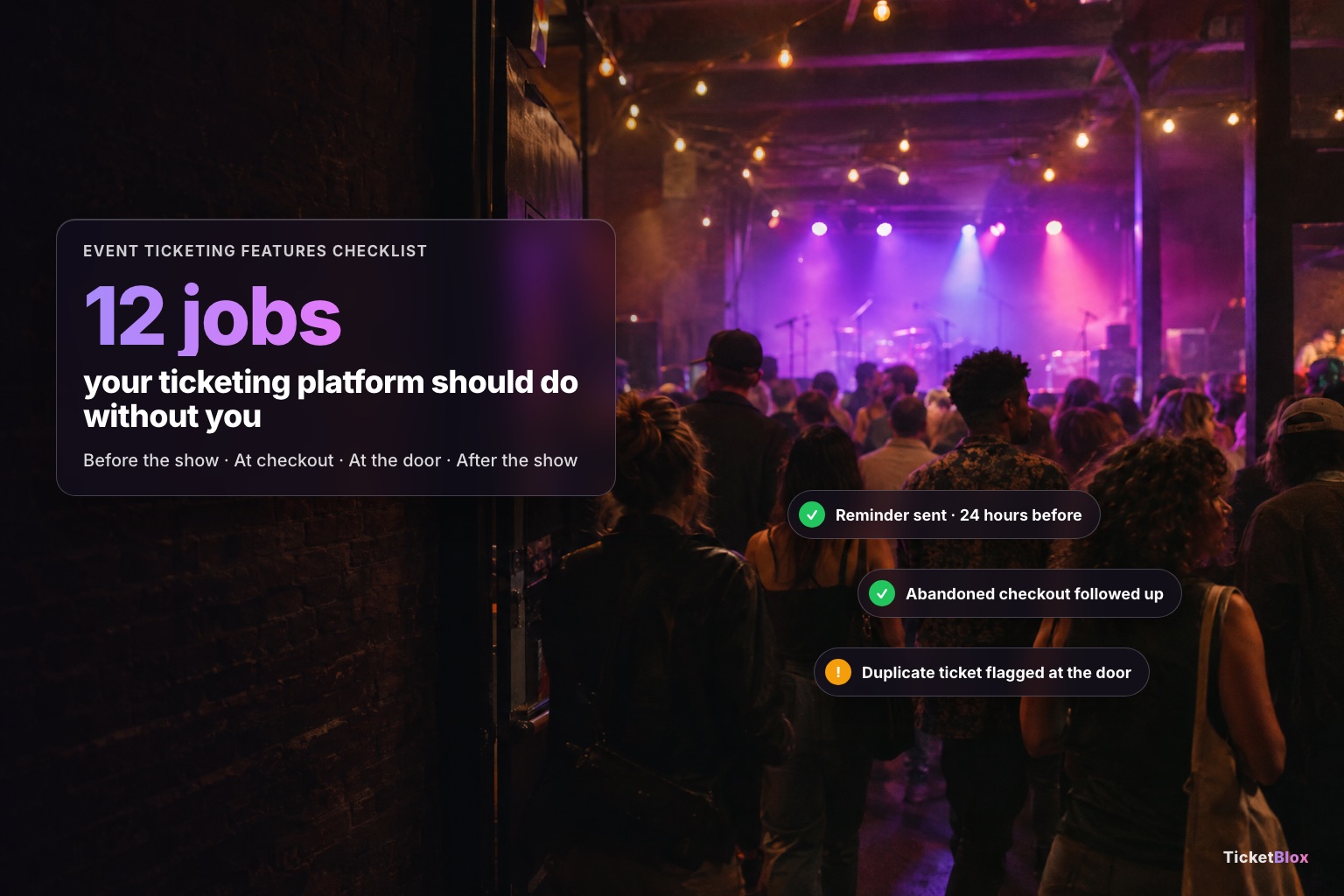
The ticketing features that matter most aren't on the pricing page. They're the background jobs that run while you're booking talent and setting up the room. Good event ticketing software should send reminders with the ticket inside, follow up on abandoned checkouts, put tickets in phone wallets, let fans pass tickets on safely, stop overselling, and tell you who actually came. Use the 12 checks below when you compare platforms, including ours.
For each one: what to look for, and how it works on TicketBlox.
Before the show
1. Reminder emails with the ticket inside
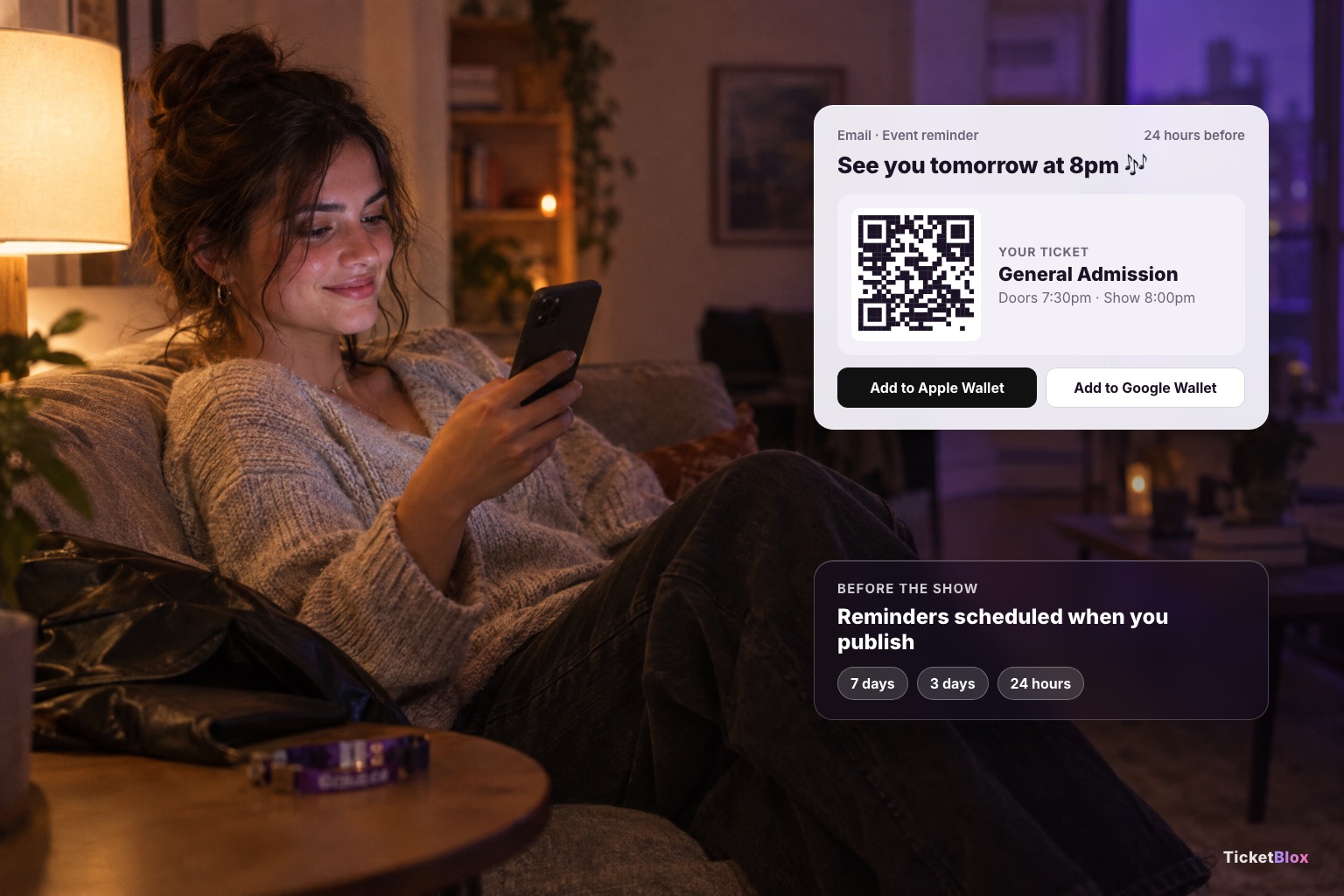
Look for: reminders you can schedule any way you like, with the fan's QR code in the email so they don't have to dig for it at the door.
On TicketBlox: when you publish an event, three reminders are scheduled automatically: 7 days, 3 days and 24 hours before. If the date changes, they move with it. You can edit their messages, add more (so many days or hours before, or a set date and time), or switch any of them off. Each reminder carries a QR ticket for every ticket in the order plus Add to Apple Wallet and Google Wallet buttons.
2. Follow-ups on abandoned checkouts
Look for: more than one email, timed sensibly, that stops the moment the fan buys.
On TicketBlox: cart recovery is one setting on your account. You can send up to six emails, anywhere from 5 minutes to 30 days after someone leaves, with presets at 1 hour, 6 hours, 1 day, 3 days, 7 days and 14 days. The tone changes as time passes: a friendly nudge first, then a reminder, then "the event is almost here". Each email shows the poster, event and date, with a button that rebuilds the cart. Emails stop when the fan buys, unsubscribes, or the event is two hours away. A recovery report in admin shows what came back. The emails go out in English, Spanish or French.
3. Tickets in the phone wallet
Look for: Apple Wallet and Google Wallet passes everywhere the ticket appears.
On TicketBlox: wallet passes are always on, from the order page, the confirmation email and every reminder.
4. Add to calendar
Look for: one-tap calendar links right after purchase, when the fan is most excited.
On TicketBlox: the order confirmation page has Google, Outlook, Office 365 and Apple calendar links. Promoters who use AddEvent can also connect their account so every published event lands in a calendar fans can follow.
5. Transfers that don't turn into scams
Look for: a transfer the recipient has to accept, so a ticket can't be "sent" twice.
On TicketBlox: fans transfer from their order page. The recipient verifies with a one-time code sent by email, then accepts. The sender can cancel while it's pending, and at the door a transferred-away ticket is flagged.
At checkout
6. The all-in price, before the fan types a card number
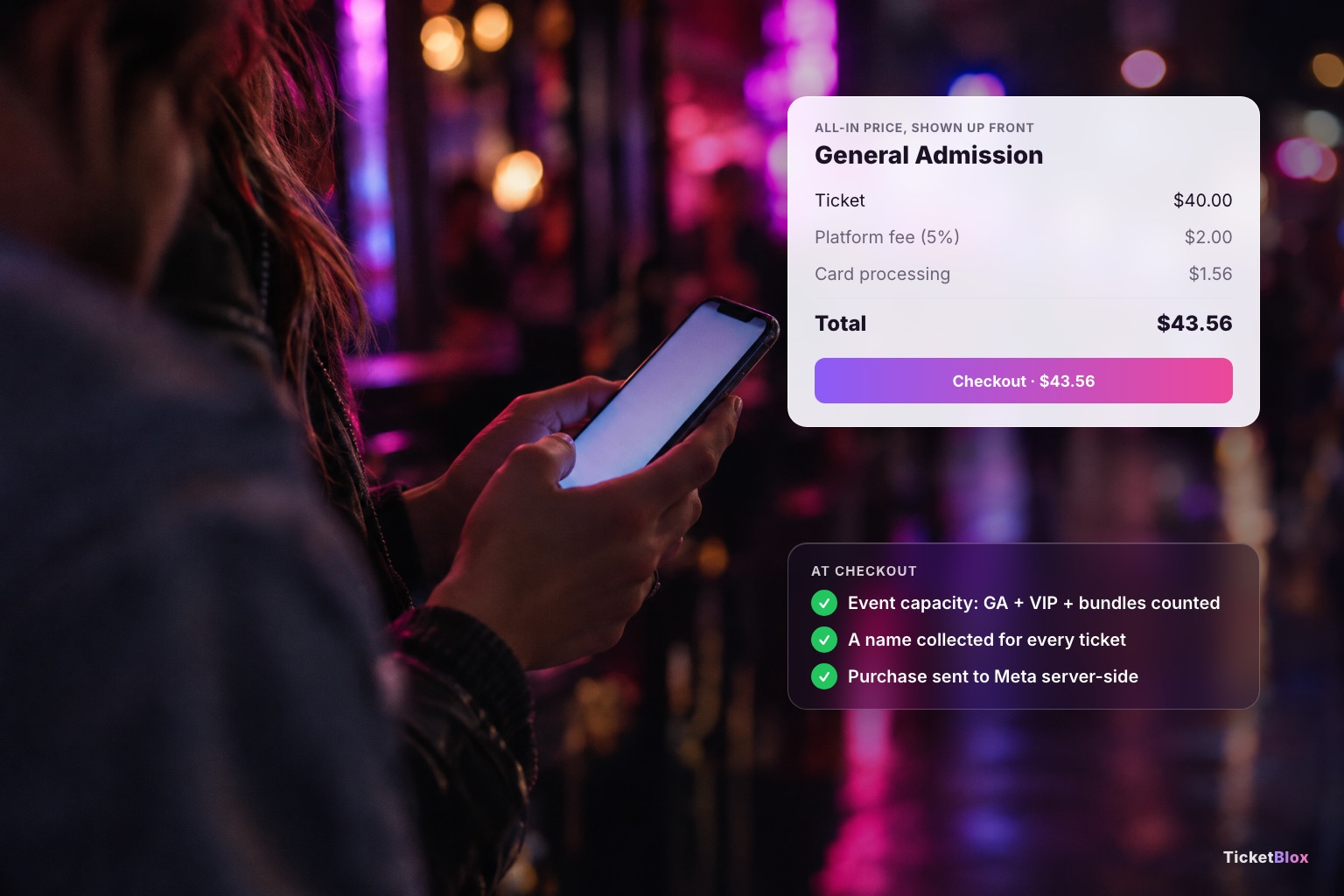
Look for: the total, fees included, on the ticket itself. In the U.S. the FTC's fee rule has required it for live events since May 2025.
On TicketBlox: every ticket card shows the price with an all-in breakdown. You choose per ticket type whether the fan or you pays the platform fee, and you can add your own fee on top. How the fee math works.
7. Capacity you can't accidentally oversell
Look for: an event-wide ceiling as well as caps per ticket type, so GA, VIP and bundles can't add up to more people than the room holds.
On TicketBlox: set a capacity for the whole event, caps per ticket type and showtime, and shared inventory pools that several ticket types draw from. Bundles count against the cap as packages.
8. Questions you actually need answered
Look for: questions at the order level and for each ticket, so you get every attendee's name, not just the buyer's.
On TicketBlox: buyer questions and per-ticket questions, as text, dropdowns, dates, phone numbers, toggles or ratings, and any of them can be required.
9. Tracking that survives iPhone privacy settings
Look for: a server-side connection to your ad platform, not just a browser pixel, so purchases still reach Meta when the browser blocks tracking.
On TicketBlox: connect a Meta Pixel plus the server-side Meta Conversions API (purchases, add-to-carts and checkouts), Google Analytics 4 and Google Tag Manager to your storefront.
At the door
10. A scanner that catches the problem tickets
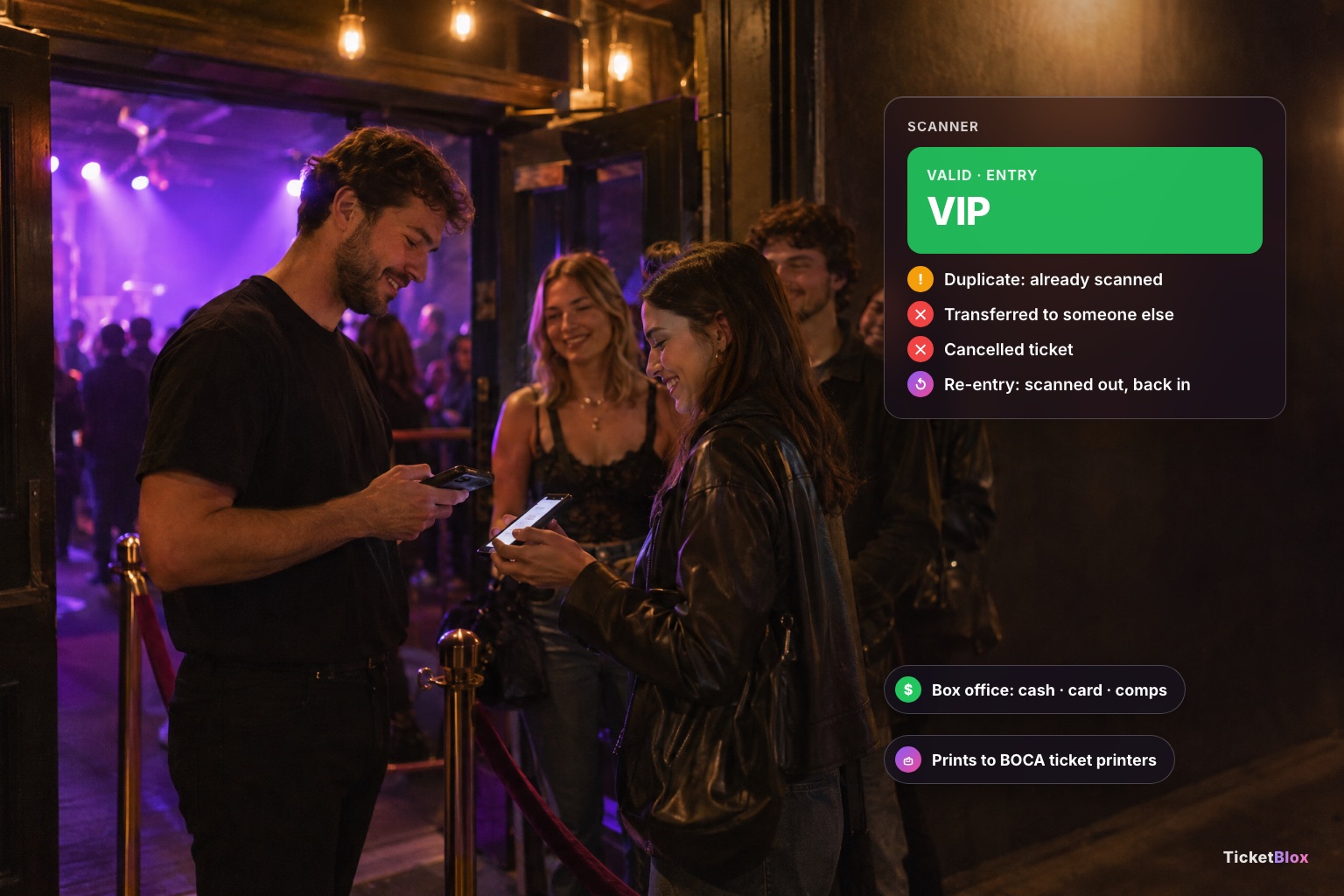
Look for: duplicate, cancelled and transferred tickets flagged at the door, plus re-entry.
On TicketBlox: the scanner app handles entry and exit scans, flags duplicate, cancelled and transferred-away tickets, and shows the ticket type on each scan. It needs a network connection, so test the signal at your door before the show.
11. A box office for walk-ups and comps
Look for: cash, card and comp sales from the same system as your online tickets, so the count is one number.
On TicketBlox: the box office takes cash, card or a $0 comp, handles seats and recurring dates, and prints to BOCA thermal ticket printers.
After the show
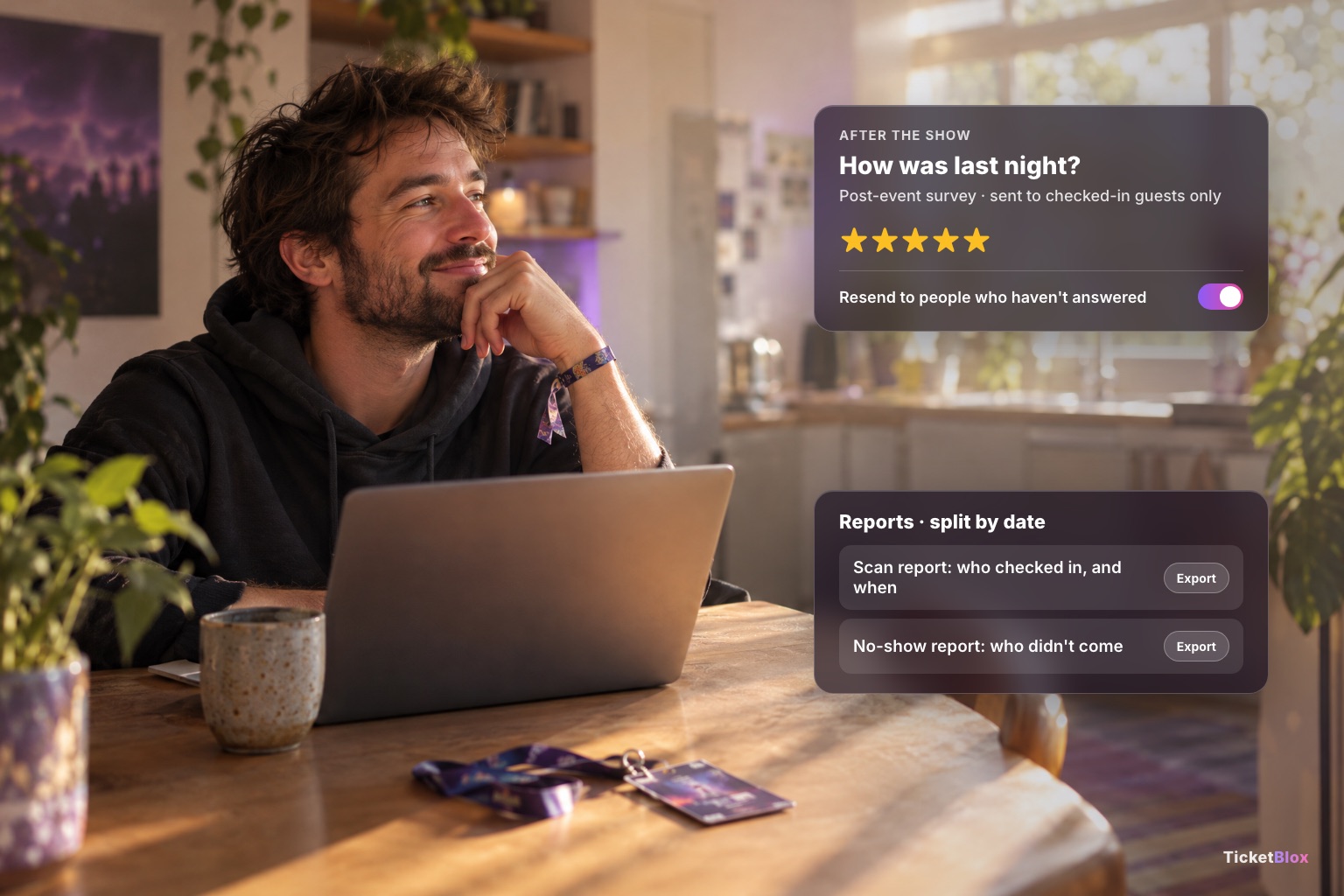
12. A survey and a real attendance count
Look for: a survey that goes to people who actually came, and a report of who didn't.
On TicketBlox: schedule a survey for any time before or after the event. Send it by email or as a QR code at the venue, target only checked-in guests, and resend to people who haven't answered. Scan reports and no-show reports are split by date.
The checklist
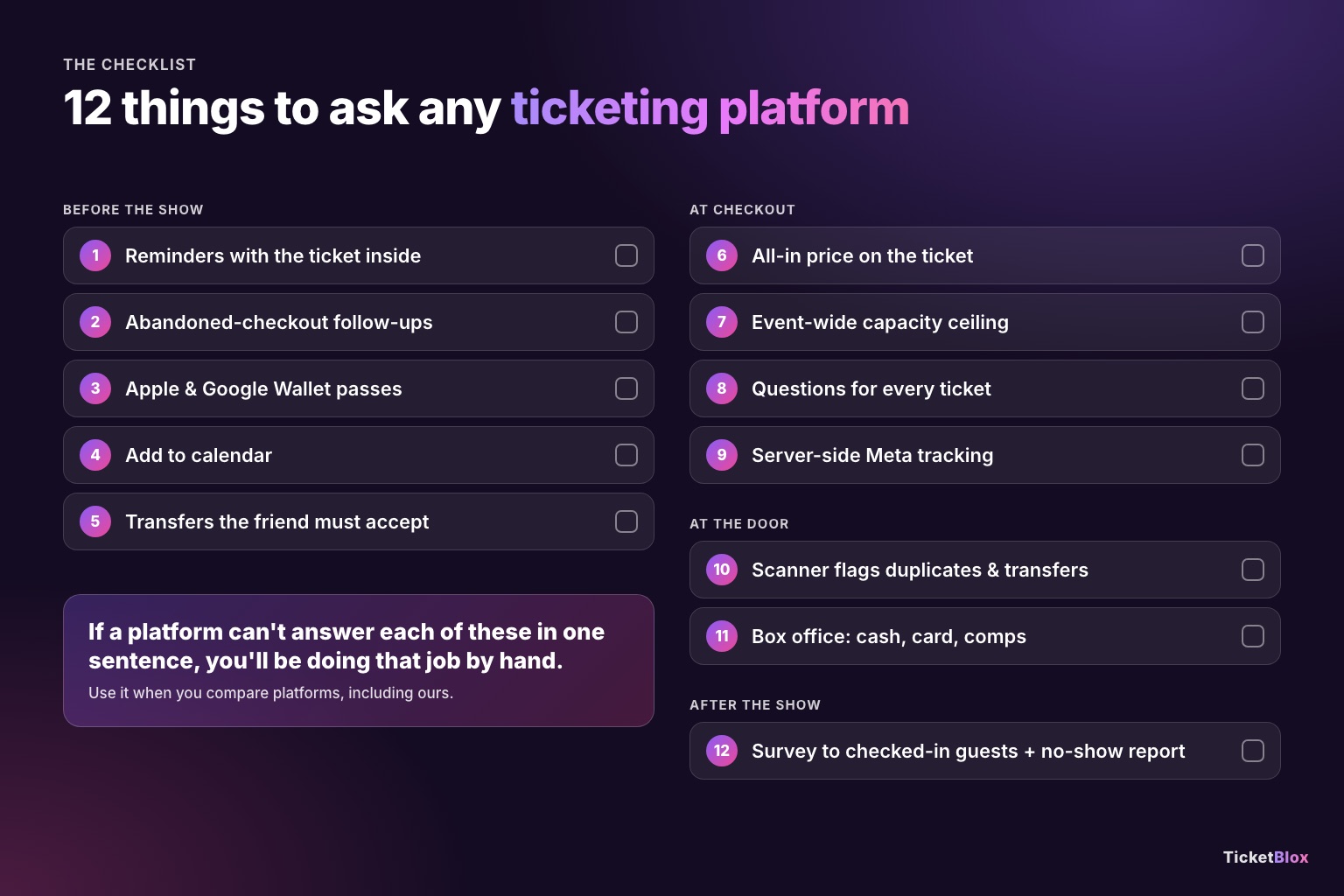
| # | Check | Ask the platform |
|---|---|---|
| 1 | Reminders with the ticket inside | Are they scheduled automatically, do they move if the date changes, and is the QR code in the email? |
| 2 | Abandoned-checkout follow-ups | How many emails, and do they stop when the fan buys? |
| 3 | Wallet passes | Apple and Google, from email and the order page? |
| 4 | Add to calendar | Is it on the confirmation page? |
| 5 | Safe transfers | Does the recipient have to accept? |
| 6 | All-in price | Is the total on the ticket, before checkout? |
| 7 | Capacity | Is there an event-wide ceiling, not just per-type caps? |
| 8 | Questions | Can I ask per ticket and make answers required? |
| 9 | Tracking | Is there a server-side Meta connection? |
| 10 | Scanner | Does it flag duplicates and transfers? |
| 11 | Box office | Cash, card and comps in one count? |
| 12 | Survey and attendance | Can I survey only people who came? |
More on what these jobs do for real shows: Event Ticket Sales Statistics 2026.
FAQ: Event Ticketing Features Checklist: 12 Things Your Platform Should Do Without You
What features should event ticketing software have?
Beyond selling tickets: reminder emails with the ticket inside, follow-ups on abandoned checkouts, Apple and Google Wallet passes, add-to-calendar, transfers the recipient must accept, all-in pricing, an event-wide capacity cap, per-ticket questions, server-side ad tracking, a scanner that flags bad tickets, a box office and post-event surveys.
Should event reminders include the ticket?
Yes. If the QR code is in the reminder, the fan doesn't have to search their inbox at the door. TicketBlox schedules three reminders automatically when you publish (7 days, 3 days and 24 hours before), each with a QR ticket for every ticket in the order plus wallet buttons.
How many abandoned-checkout emails should I send?
Two or three is a good start: about an hour after the fan leaves, then at one day and three days. TicketBlox allows up to six, from 5 minutes to 30 days, and stops sending when the fan buys.
How do I stop overselling an event?
Use an event-wide capacity ceiling as well as per-ticket-type caps, and make bundles count against the cap. Otherwise GA, VIP and bundles can add up to more people than the room holds.
Do I need the Meta Conversions API for ticket sales?
If you run Meta ads, yes. A browser pixel misses purchases when tracking is blocked. The server-side Conversions API sends purchases straight to Meta.