


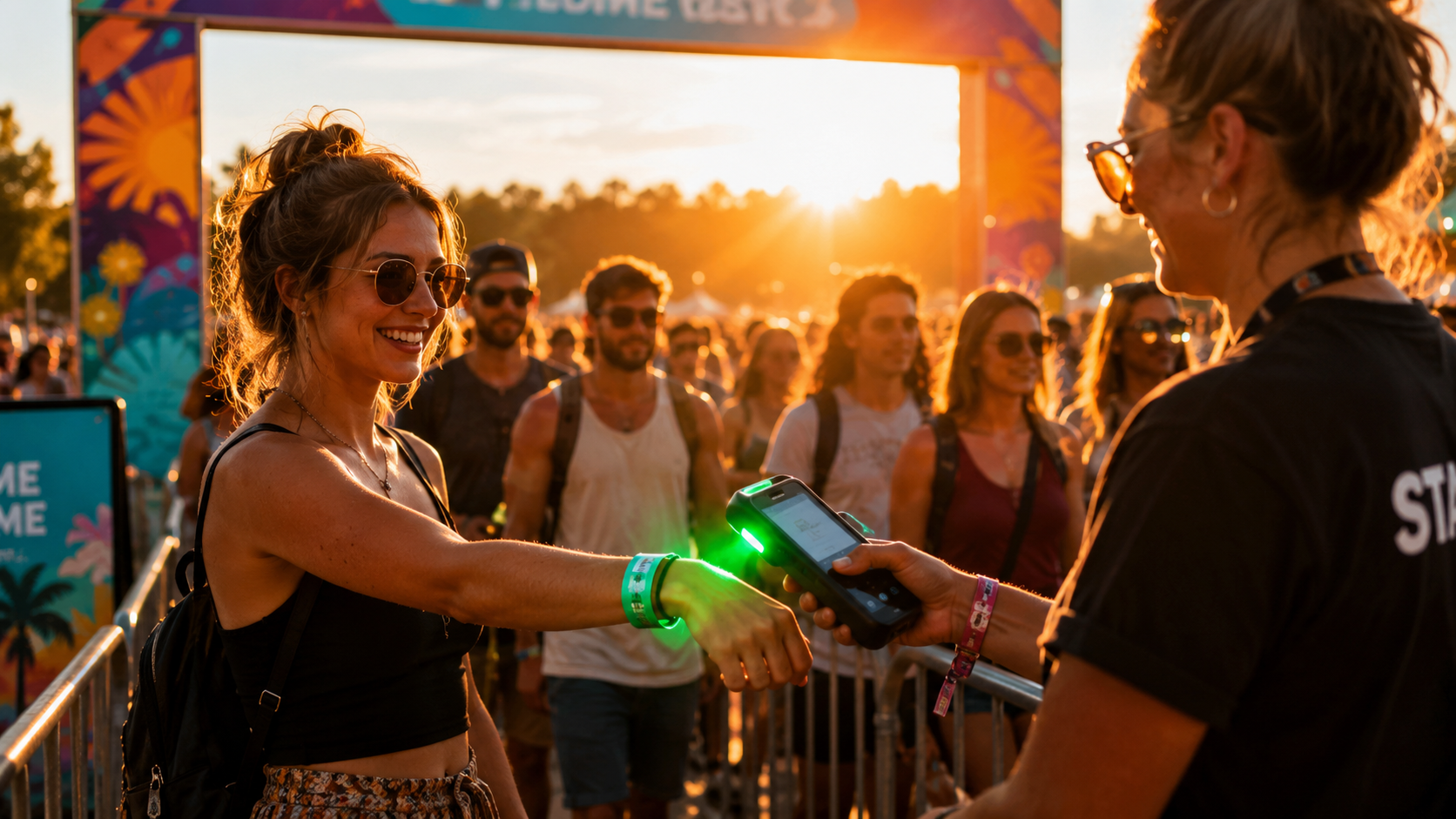
Event check-in is the first impression attendees have of your event. A fast, organized entry creates a better experience, while long lines and slow ticket validation can cause frustration before the event even begins.
Whether you're managing a 500-person club night or a 10,000-person festival, successful check-in comes down to four things:
- Fast ticket scanning
- Well-planned gate layouts
- Properly trained staff
- Reliable backup plans
This guide covers the best event check-in practices, how many gates you need, and how to avoid common bottlenecks.
The Gate Count Formula Every Event Planner Should Know
Quick Answer: Estimate your check-in time using this formula:
Attendees ÷ Gates ÷ Scans Per Minute = Estimated Check-In Time
For example:
- 3,000 attendees
- 3 gates
- 30 scans per minute
Your estimated check-in time is about 33 minutes.
Keep in mind that ID checks, bag searches, wristbands, and attendees searching for tickets usually reduce throughput by 30–50%. That's why organizers should always plan for real-world conditions instead of theoretical capacity.
Using faster scanning technology also helps eliminate delays, allowing staff to focus on moving attendees through the gates instead of waiting for devices to process tickets.
Event Check-In Best Practices by Event Size
The larger the event, the more planning your check-in operation requires.
500-Person Club Night
Small events usually need one or two entry points and a small team.
Best Practices
- Test scanners before doors open.
- Verify your internet connection.
- Prepare an offline backup.
- Keep a printed guest list available.
- Have a policy for duplicate ticket scans.
For more preparation tips, read our Day-of Event Operations Guide.
2,000-Person Concert
At this size, efficient attendee flow becomes essential.
Best Practices
- Use at least three or four gates.
- Separate VIP, General Admission, and Will Call lines.
- Train staff before doors open.
- Place signage before attendees reach the entrance.
Our Event Staffing Guide includes additional recommendations for organizing gate staff and event operations.
5,000-Person Festival
Festival check-in requires more than just additional gates. Organizers also need to monitor crowd flow and attendance in real time.
Best Practices
- Use six to ten entry gates.
- Enable offline ticket scanning.
- Prevent duplicate ticket scans automatically.
- Monitor live attendance throughout the event.
If you're organizing a multi-day event, our Multi-Day Festival Management Guide explains how to manage day passes, re-entry, and attendee tracking.
10,000+ Mega Events
Large events require enterprise-level planning.
Best Practices
- Use multiple entrance zones.
- Keep backup scanning devices ready.
- Monitor gate performance in real time.
- Assign supervisors to each entrance.
- Test your scanning system before event day.
At this scale, every improvement in gate efficiency can significantly reduce overall wait times.
Why Scanning Speed Matters
Most ticketing platforms validate tickets in one to three seconds.
While that may seem fast, those seconds add up when thousands of attendees arrive at once.
Ultra-fast scanning reduces delays by making attendee movement—not technology—the primary factor affecting throughput.
This allows organizers to focus on improving gate layouts, staffing, and crowd flow instead of worrying about slow ticket validation.
Common Check-In Problems (and How to Prevent Them)
Even well-planned events can experience check-in issues. The most common problems are easy to prevent with the right technology and preparation.
Slow Ticket Scanning
Long entry lines often start with slow ticket validation.
Best Practices
- Test scanners before event day.
- Choose a platform with fast scan speeds.
- Keep backup devices available.
When scanning is fast, staff can focus on moving attendees instead of waiting for devices to respond.
No Offline Mode
Internet service isn't always reliable, especially at outdoor venues.
If your check-in system depends on a live connection, ticket validation may stop completely.
Best Practices
- Use scanners that work offline.
- Sync attendee data before doors open.
- Test offline mode during setup.
Duplicate Ticket Scans
Duplicate tickets can happen accidentally or through ticket sharing.
Best Practices
- Enable automatic duplicate detection.
- Use clear audio or visual alerts for staff.
- Prevent used tickets from being scanned again.
No Real-Time Attendance Tracking
Knowing how many attendees are inside your venue is essential for safety and capacity management.
A live dashboard should show:
- Total check-ins
- Attendance by gate
- Current venue occupancy
- Scan activity in real time
Separate VIP and General Admission Lines
Events with more than 1,000 attendees should separate VIP and General Admission entrances whenever possible.
VIP guests often require additional verification, such as ID checks, premium credentials, or special access.
Keeping these attendees in dedicated lanes helps reduce wait times for everyone.
TicketBlox also allows staff to search attendees by name, email, or phone number, making it easier to assist guests who cannot locate their tickets.
Train Your Gate Staff Before Doors Open
A short team briefing can prevent many check-in delays.
Cover these topics before attendees arrive:
- How to operate the scanning devices
- Success and error scan alerts
- Duplicate ticket procedures
- Lane assignments
- Who handles ticket issues
If you're creating your staffing plan, our Event Staffing Guide provides additional recommendations.
Always Have a Backup Plan
Assume your internet connection could fail.
Before the event:
- Test Wi-Fi at every entrance.
- Charge every scanning device.
- Bring backup batteries or devices.
- Confirm offline scanning is enabled.
A reliable offline check-in system ensures attendees can continue entering even if connectivity is lost.
Choosing the Right Check-In Platform
The right platform depends on your event size, but every organizer should look for these essential features:
- Fast ticket scanning
- Offline mode
- Duplicate ticket prevention
- Live attendance reporting
- Multi-device support
If you're comparing platforms, read our guide to the best free event ticketing platforms.
Frequently Asked Questions
How many check-in gates do I need?
Divide your expected attendance by your desired check-in time and average scans per minute per gate. Adding one extra gate is always recommended.
What scan speed is considered good?
Most ticketing platforms scan tickets in one to three seconds. Faster scanning reduces delays and improves attendee flow.
How do I prevent duplicate ticket scans?
Use a platform that automatically marks tickets as used and immediately flags duplicate scans.
What happens if the internet goes down?
Platforms with offline scanning continue validating tickets without interruption and sync data once the connection returns.
How can I track attendance in real time?
Use a platform with a live dashboard showing total check-ins, gate activity, and current venue occupancy.
Final Thoughts
A successful check-in process starts long before attendees arrive. Planning gate capacity, training staff, preparing offline backups, and choosing the right technology all contribute to a smoother event experience.
Whether you're hosting a small concert or a large festival, following these event check-in best practices will help reduce wait times, improve attendee satisfaction, and keep operations running efficiently.
Ready to streamline your event check-in process?
Book a Demo to see how TicketBlox helps event organizers with fast ticket scanning, offline validation, duplicate protection, and real-time attendance tracking.